
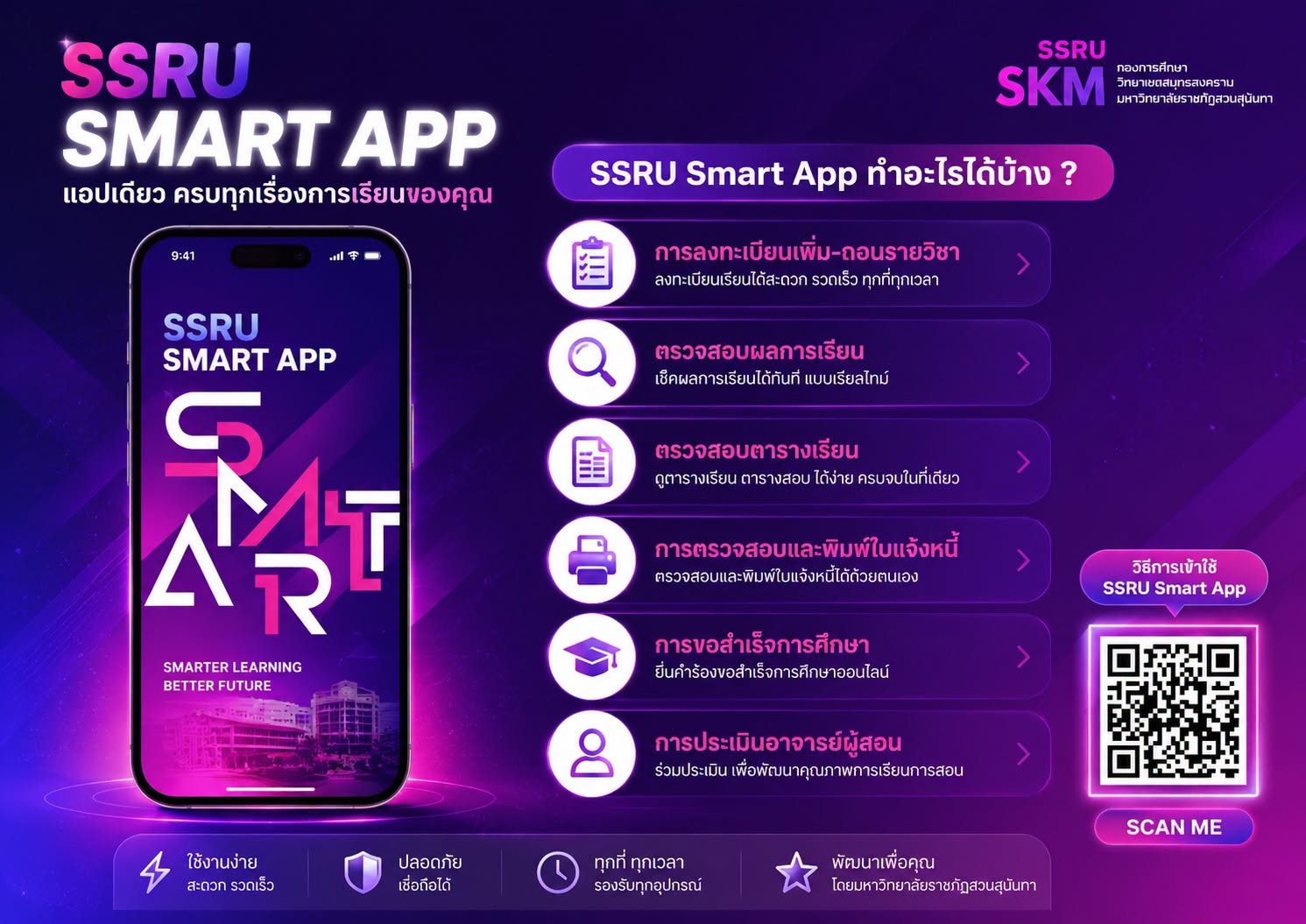
Easily manage all key aspects of student life right from your mobile phone.
✅ Register for classes and add/drop courses
✅ Check grades in real-time
✅ View class and exam schedules
✅ Print payment invoices yourself
✅ Submit online applications for graduation
✅ Evaluate instructors
How to use the SSRU Smart App
1. Download the "SSRU Smart App" from the App Store or Play Store.
2. Open the app and tap "Log In."
3. Log in using your university account.
• Username: Student ID
• Password: National ID Number
Staff
• Username: National ID Number
• Password: Employee ID
4. Upon first-time login, the system will prompt you to set a password for use on your mobile device.
5. Confirm the password, and you can start using the app immediately.
For more details, please visit the SSRU Smart App usage guide: https://itcenter.ssru.ac.th/service/ssru-smart-app